spotify will email you when your file is ready. drop the whole zip on the import page — no need to unpack it.
- 1 go to spotify.com/account/privacy
- 2 scroll down to "download your data"
- 3 check extended streaming history only
- 4 leave account data uncheckedit only covers the past year — you want your full history
- 5 click request data
- 6 wait for spotify's email (typically about a week, up to 30 days)
- 7 come back and drop the zip here
✦
what it looks like 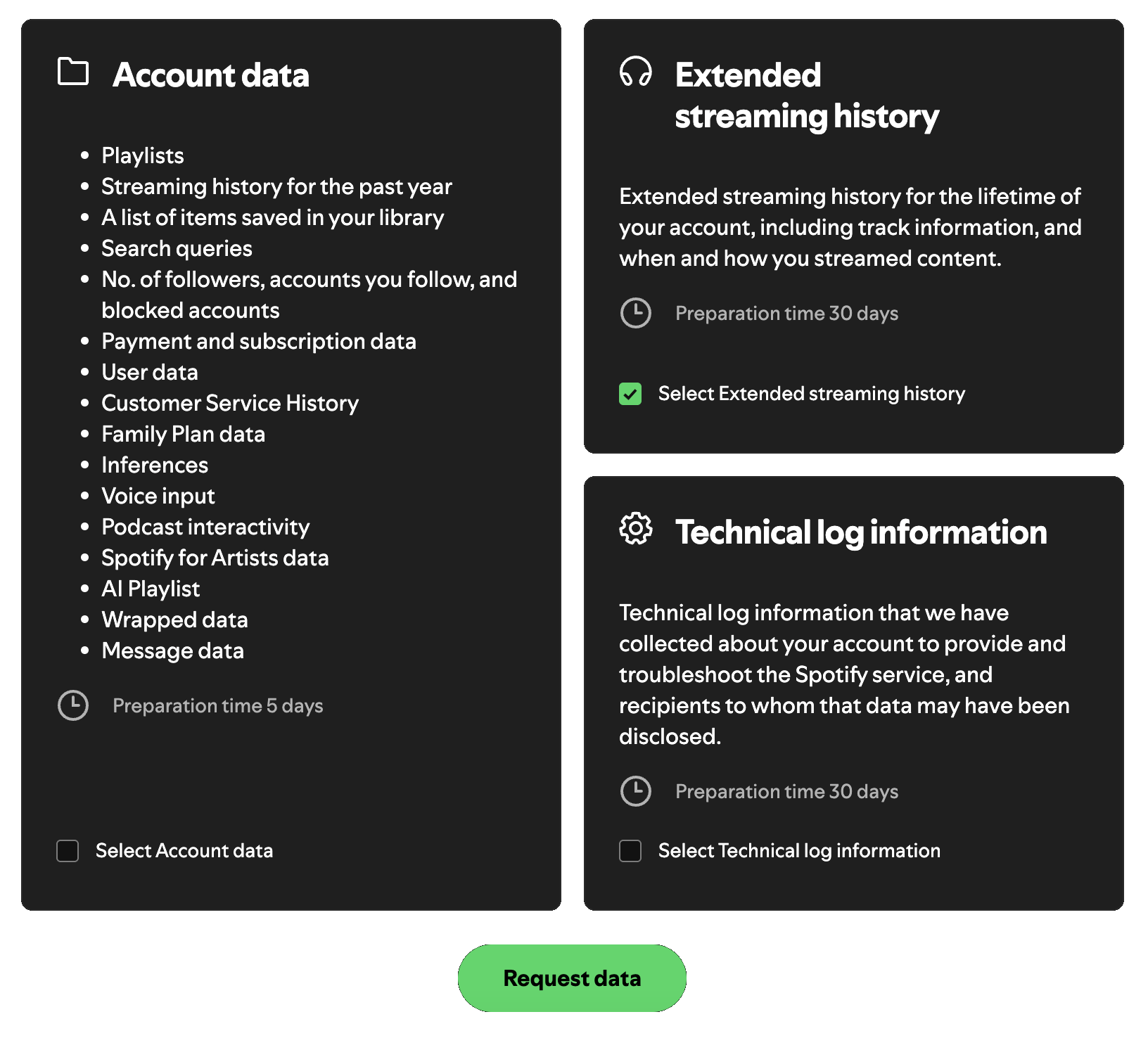
check extended streaming history. leave account data unchecked.
✦
✦ your data never leaves your device. everything is processed in your browser.